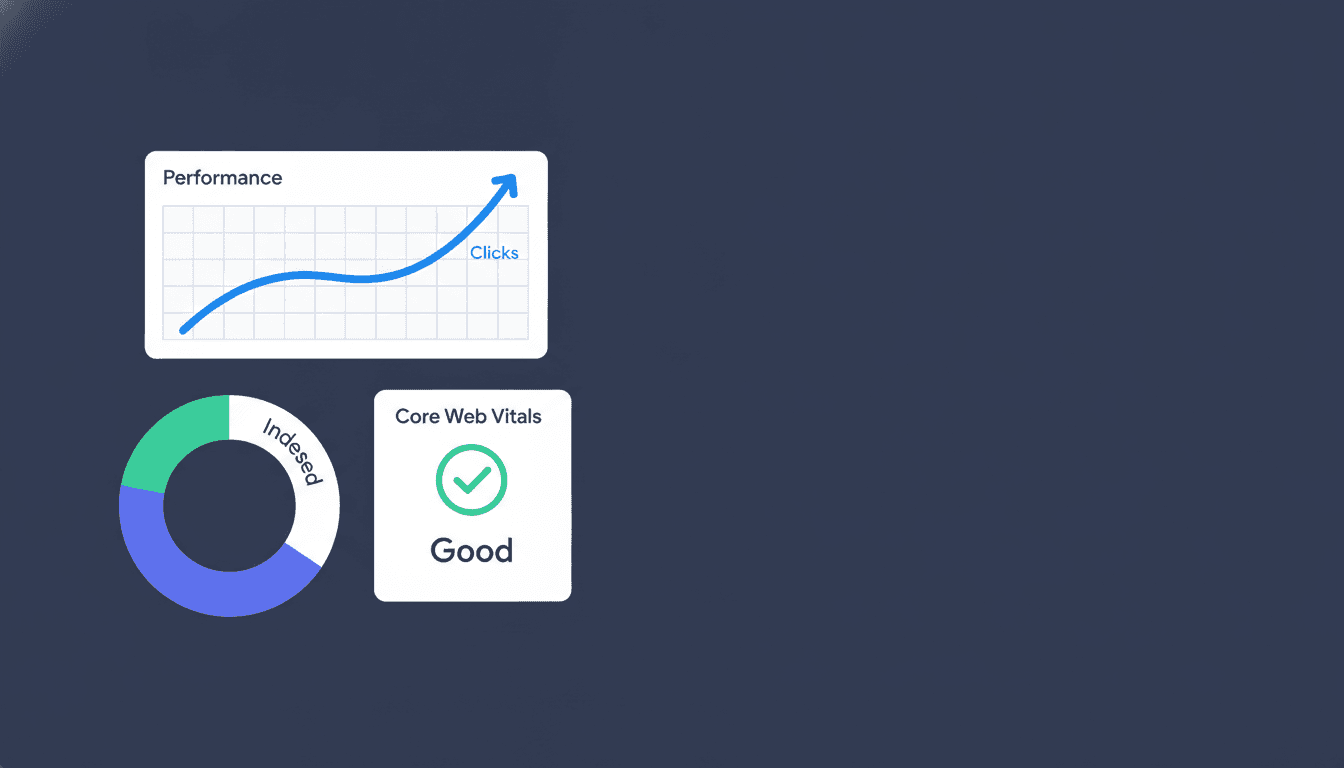
Google Search Console for SEO is the closest thing to a direct conversation with Google about your site. It tells you which pages are indexed, which queries are driving clicks, where crawls are failing, and whether your Core Web Vitals are hurting your rankings. No other free tool gives you that. If you are running an SEO program without checking GSC weekly, you are flying with instruments you are not reading.
This guide goes past the dashboard tour. It covers how to interpret the data that actually moves rankings, the diagnostic workflows most teams skip, and the advanced features that even experienced SEOs overlook in 2026.
What Is Google Search Console for SEO, Really?
Google Search Console is a free platform Google provides to help site owners understand how their pages perform in Search. For SEO purposes, it is the only data source that comes directly from Google's crawlers and ranking systems, not from third-party estimates. That distinction matters more than most people realize.
Third-party rank trackers estimate your position based on spot checks from proxy servers. GSC reports your actual average position across all the queries where your pages appeared in results, weighted by impression volume. The number looks different because it is different. A page averaging position 4.2 in GSC may show up as position 3 in a rank tracker that only checks the head term.
What GSC tells you that Google Analytics cannot:
- Which queries triggered impressions, even if no click happened
- How Google has indexed your pages, including canonicalization decisions Google made (not what you intended)
- Whether your structured data is valid, and whether it qualifies for rich results
- How your Core Web Vitals score according to real-world Chrome user data
- Crawl errors and indexing blocks before they compound into ranking drops
Analytics tells you what users did after they arrived. GSC tells you whether Google can find you, what it thinks you are about, and how you are performing in the results it controls.
The Performance Report: Your Keyword Research Engine
The Performance report is where most GSC value lives, and it is consistently underused. Most teams open it, see their top queries by click, and stop there. That is leaving serious opportunity on the table.
The real power is in the impressions-to-clicks gap. A query with 2,000 impressions and 40 clicks has a 2% CTR. A query with 2,000 impressions and 400 clicks has a 20% CTR. The first one is either ranking too low to earn clicks, or the title and meta description are not compelling enough to earn them at the position it holds.
Here is the diagnostic split that matters:
| Scenario | Average Position | CTR | Likely Cause | Action |
|---|---|---|---|---|
| High impressions, low CTR, position 1-5 | 1-5 | Under 5% | Weak title/meta or SERP feature stealing clicks | Rewrite title and meta; check if a featured snippet or PAA box is above you |
| High impressions, low CTR, position 6-15 | 6-15 | Under 2% | Page not ranked high enough to earn clicks | Improve page authority and content depth |
| Low impressions, strong CTR | Any | Over 15% | Niche query, content is resonating | Target related terms to expand reach |
| Impressions dropping week-over-week | Any | Stable | Indexing issue or ranking loss | Cross-check with Index Coverage |
For keyword research, GSC is the only tool that shows you queries where you already have some ranking signal. Filter the Performance report to pages ranking between position 8 and 20. These are your fastest-moving opportunities: Google already associates the page with the query, and a focused content update or internal link push can move the needle within weeks, not months.
Set the date range to the last 16 months and use the "Compare" feature to spot seasonal dips and gains. A page that earned 3,000 impressions last October and 600 this October is not just underperforming. Something broke.
How to Use the Index Coverage Report to Find Hidden Problems
The Google Search Console index coverage report is where ranking drops have their root causes. It shows every URL Google has tried to crawl, sorted by status: Indexed, Error, Excluded, and Valid with Warning.
Most teams only check the Error tab. That is correct but incomplete. The Excluded tab contains the most instructive data.
Reading the Excluded Tab
"Crawled, currently not indexed" is the status that should concern you most. Google crawled the page, evaluated it, and chose not to index it. That is not a technical error. That is a content quality signal. Pages that sit in this status for more than 30 days are almost always thin, duplicative, or low-authority pages Google has decided are not worth serving.
"Duplicate without user-selected canonical" means Google found pages so similar it merged them, and it picked the canonical, not you. Check whether the URL it chose to index is the one you want ranking.
"Blocked by robots.txt" appearing for pages you intended to index is a configuration error. It happens most often after a site migration or a staging environment setting that carried over to production.
A Practical Indexing Diagnostic Workflow
- Export the Coverage report for the last 90 days.
- Sort Errors by count. Fix the top three error types before touching anything else.
- Cross-reference "Crawled, currently not indexed" URLs against your content audit. Pages that are genuinely thin should either be improved or consolidated via 301 redirect.
- For any URL you expect to be indexed but is not, run it through the URL Inspection tool to see the last crawl date, the rendered HTML, and whether a canonical conflict exists.
- After fixing, submit the corrected sitemap and request indexing for priority pages through URL Inspection.
For a deeper technical walkthrough, the technical SEO audit process covers how to sequence these fixes within a full site audit.
Why Is Google Search Console Important for SEO in 2026?
The question is not really whether to use GSC. The question is whether you are treating it as reactive or proactive. Most teams use it reactively: they check it after a ranking drop to figure out what happened. Teams that consistently grow organic traffic use it proactively: they run weekly checks to catch issues before they compound and to find opportunities before competitors do.
In 2026, GSC matters more than it did three years ago for two specific reasons.
First, Google's AI Overviews have changed which pages get clicks even at the top of the SERP. A page averaging position 2 for a query where an AI Overview now answers the question directly may see CTR fall from 12% to 4% with no change in ranking. GSC is the only place you will see that CTR compression in your own data, not in a rank tracker.
Second, rich result eligibility has become a meaningful traffic differentiator. According to Google's own Search Central documentation, pages with valid structured data are eligible for enhanced SERP features that consistently earn higher CTR than standard blue links. Google's Rich Results Test confirms eligibility for schema implementations. GSC's Rich Results report tells you whether your schema is valid and which enhancements are live.
Core Web Vitals in GSC: What the Numbers Actually Mean
Core Web Vitals GSC optimization is one of the most misread areas of the platform. The dashboard shows a count of URLs in "Good", "Needs Improvement", and "Poor" status, but the count is not the metric that matters. The which pages is what matters.
Google groups URLs by page template, not by individual URL. If your product detail page template has a Largest Contentful Paint issue, GSC will flag a single representative URL, but the problem applies to every page built on that template. One flagged URL may mean 4,000 broken pages.
The three metrics and what drives them in practice:
- Largest Contentful Paint (LCP): The time until the main visible element renders. The biggest LCP killer is an unoptimized hero image loaded without a
fetchpriority="high"attribute, or a web font blocking render. Google's target is under 2.5 seconds. - Interaction to Next Paint (INP): Replaced First Input Delay in 2024. It measures responsiveness across all interactions, not just the first click. Heavy JavaScript bundles and long tasks on the main thread are the primary cause of poor INP scores.
- Cumulative Layout Shift (CLS): Measures visual instability. The most common cause is ad slots or embeds that load without reserved space, pushing content down after the user has started reading.
For an e-commerce brand with 50,000 product pages, fixing one template-level LCP issue can shift thousands of URLs from Poor to Good in a single deployment. That is not a minor win.
Google's PageSpeed Insights runs on the same Chrome User Experience Report data GSC uses. Run a template-level URL there to get the field data diagnosis plus lab-data recommendations in the same place.
Schema Markup Errors in GSC: The Rich Results Gap Most Teams Miss
Schema markup errors in GSC sit in the Enhancements section, separated by schema type: FAQ, HowTo, Product, Review, Article, and others. Most teams set up schema once and never check it again. That is a mistake because schema requirements change as Google updates its rich result guidelines, and a previously valid implementation can quietly become invalid after a Google algorithm update or a site template change.
The most common errors we see across client sites:
- Missing required fields: Product schema without a
priceoravailabilityproperty. Google will not show a rich result for an incomplete implementation. - Mismatched content: Review schema showing aggregate ratings that do not match what is visible on the page. Google's quality guidelines treat this as manipulative.
- FAQ schema on pages with more than two Q&As hidden behind a toggle: Google has tightened eligibility here. All FAQ content needs to be visible in the page HTML, not loaded by JavaScript after interaction.
When GSC shows a schema error, click through to the specific URLs affected, then run them through Google's Rich Results Test to see the exact field that is failing. Fix the template, revalidate, and then use the "Validate Fix" button in GSC to request re-evaluation.
Schema that qualifies for rich results is not optional for competitive categories in 2026. Product pages with review stars and pricing in the SERP consistently outperform identical pages without them. The SEO audit process at Project Rankup includes a full schema validation pass for exactly this reason.
Using GSC for Content Optimization 2026: The Decay Workflow
Using GSC for content optimization in 2026 means running a content decay audit at least quarterly. Content decay is the gradual loss of rankings and impressions as fresher, more authoritative pages outrank yours over time. It is the most common source of organic traffic decline for established sites, and GSC is the only tool that shows it at the query level.
The decay workflow:
- Pull the Performance report for all pages, last 12 months versus the prior 12 months.
- Filter for pages where impressions dropped by more than 20% year-over-year.
- For each declining page, check the top 10 queries in the Performance report. Are they the queries you intended the page to rank for? If the page is losing impressions on long-tail variants, the content may need to expand its coverage.
- Open the URL Inspection tool for each page and check the last crawl date. If Google has not crawled a page in more than 60 days, it is a low-priority page in Google's queue. Adding internal links from high-authority pages is the fastest fix.
- Update the page with current information, add depth on the subtopics the declining queries suggest, and update the published date only if the changes are substantive.
A page that once ranked in the top 5 for a target query and has slipped to position 12 over 18 months is a decay candidate, not a lost cause. The ranking signal is there. The content just needs to earn it back.
For teams pairing this with AI content audit tools, the GSC export gives you the traffic and impression data to prioritize which pages to audit first. The Google Core Web Vitals Report provides field data aligned with GSC rankings. Start with pages that have the highest impressions but the steepest CTR or ranking decline.
Also Read: Choosing the Best SEO Software for Agencies in 2026
Frequently asked questions
What is the Google Search Console for SEO?
Google Search Console for SEO is a free tool from Google that shows how your site performs in Search. It reports which queries bring impressions and clicks, whether your pages are indexed, where crawl errors exist, and whether your Core Web Vitals and structured data meet Google's standards. It is the only data source that comes directly from Google's systems.
How to use Google Search Console for SEO?
Start with the Performance report to find queries where your pages rank between position 8 and 20. These are your quickest ranking opportunities. Then check the Index Coverage report for crawl errors and excluded pages. Use the Enhancements section to find schema errors. Run the Core Web Vitals report to find template-level performance issues affecting large groups of pages.
Why is Google search console important for SEO?
GSC is the only tool that gives you Google's own view of your site, not an estimate. It shows indexing decisions, canonicalization choices Google made, rich result eligibility, and actual query-level performance data. In 2026, it is also the place to monitor how AI Overviews are affecting CTR for pages that still rank well but are losing clicks to synthesized answers above them.
How to use Google Search Console for better SEO results?
Run weekly checks on the Performance report for CTR anomalies and impression drops. Cross-reference the Index Coverage report for newly excluded pages. Set up email alerts in GSC for manual actions and coverage errors. Use the URL Inspection tool after any significant content update or site change to confirm Google is crawling the updated version. Treat GSC as a standing workflow, not a break-glass tool.
How does GSC differ from Google Analytics for SEO?
Google Analytics tracks user behavior after a visitor arrives: sessions, bounce rate, conversions. GSC tracks what happens before the click: impressions, position, indexing status, and technical health. They are complementary. Connecting both in Google's Looker Studio lets you see the full funnel from query impression to on-site conversion in one view, which is where the most actionable SEO insights usually appear.
Can GSC help with AI search and AI Overviews?
Partly. GSC shows CTR and impression data that will reflect the impact of AI Overviews on your traffic, but it does not explicitly label which impressions were from an AI Overview versus a standard result. Monitor queries where your ranking is stable but CTR is falling. That pattern, combined with a manual SERP check for AI Overview presence, is the most reliable way to diagnose AI Overview click suppression on your best-ranked pages.
How often should you check Google Search Console?
For active sites, weekly is the minimum. Check the Performance report for week-over-week impression drops, and check Coverage and Core Web Vitals for new errors. After a major site change, migration, or content update, check daily for 2 weeks. GSC data lags by about 2-3 days, so daily checks during a critical period still give you near-real-time feedback.
Key Takeaways
- The Performance report's impressions-to-clicks gap, not just top queries by click, is where the fastest SEO opportunities live.
- The Index Coverage report's Excluded tab, especially "Crawled, currently not indexed," is a content quality signal, not just a technical error log.
- Core Web Vitals in GSC are reported by template group. One flagged URL can represent thousands of affected pages.
- Schema markup errors in GSC silently kill rich result eligibility. Validate schema after any template or content management system update.
- Content decay is best diagnosed with a year-over-year impression comparison in the Performance report, then addressed with targeted content updates and internal linking.
- GSC in 2026 is also your primary signal for AI Overview click suppression: stable rankings with falling CTR on informational queries is the pattern to watch.
- Connecting GSC data with AI-assisted keyword research gives you a full picture of where to expand content coverage.
If you are consistently pulling GSC data but unsure how to translate it into a ranked action plan, that is exactly where a structured audit process makes the difference. Project Rankup's SEO audit services are built around turning GSC signals into prioritized fixes and growth moves. Book a consultation and we will walk through your GSC data together.