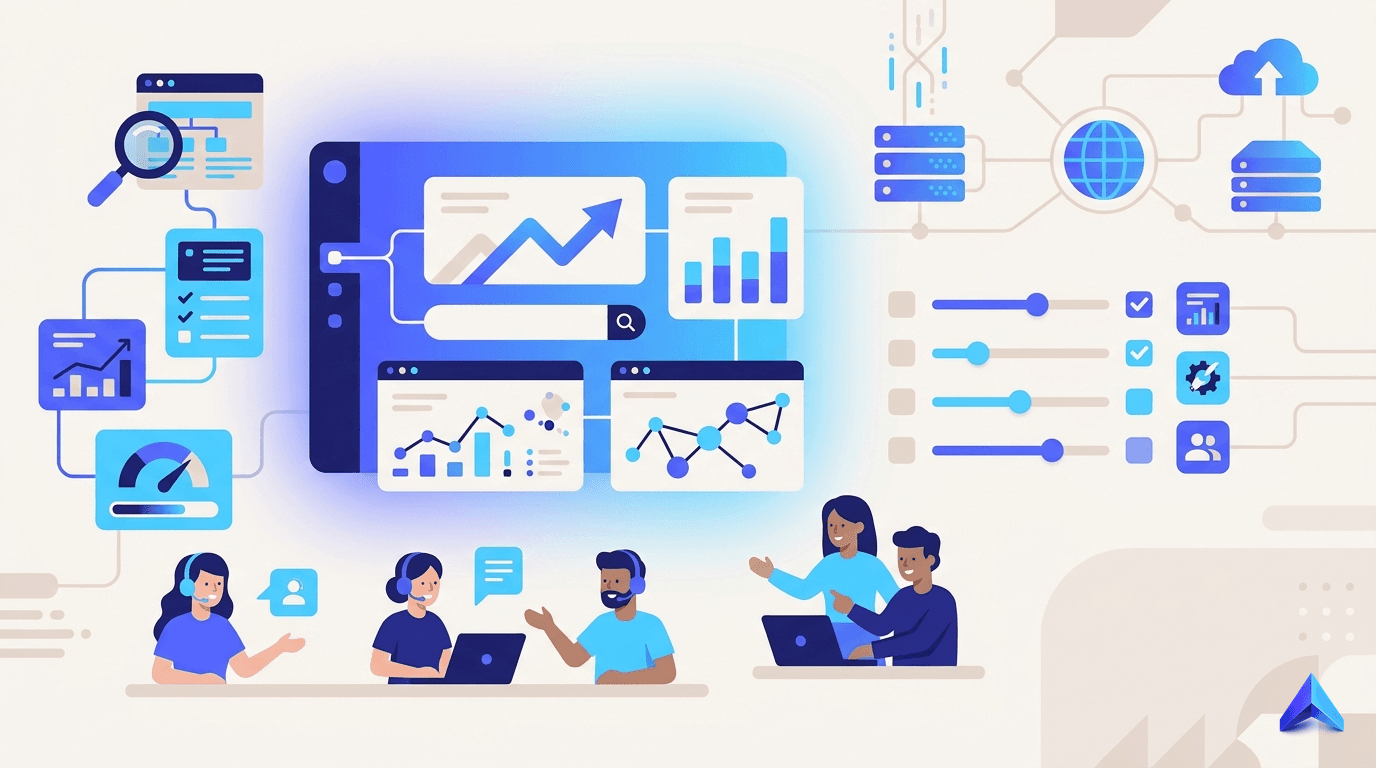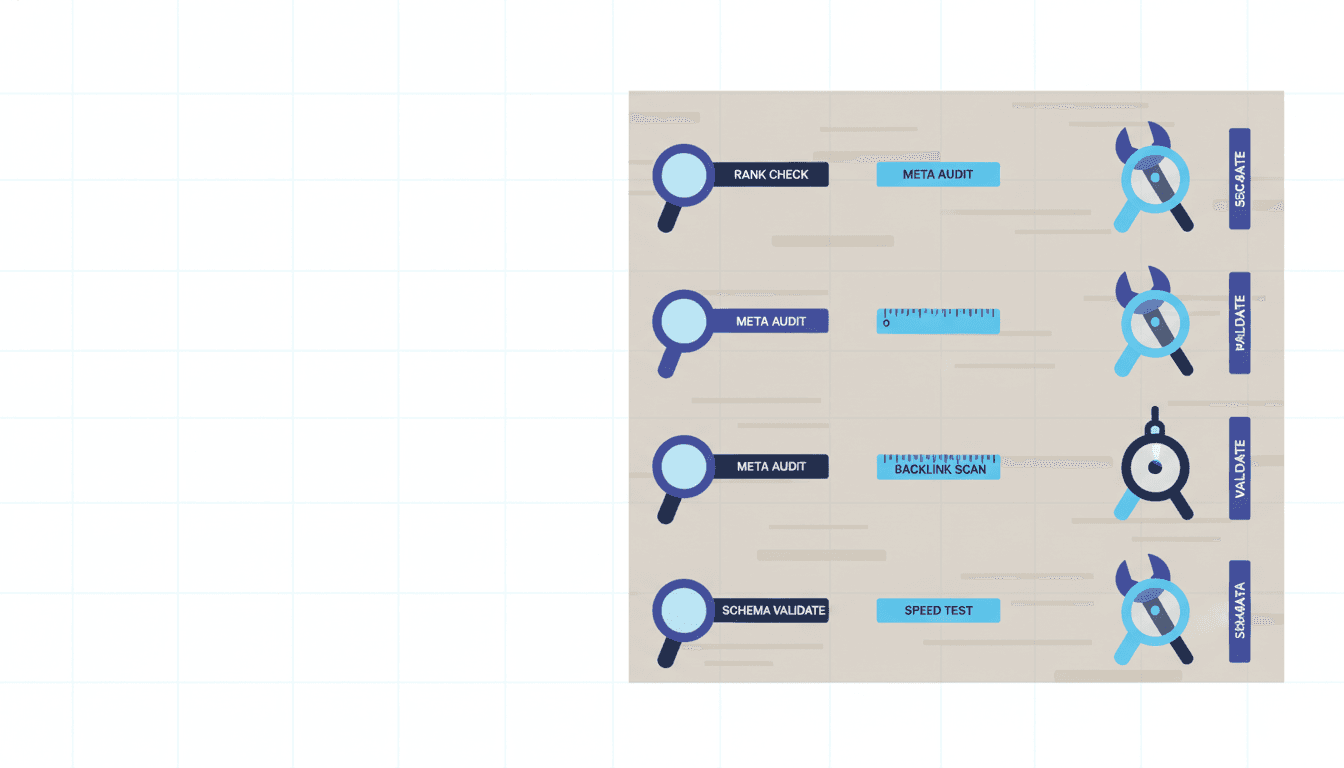
Small SEO tools are lightweight, often free utilities that handle one specific job well: checking keyword rankings, auditing meta tags, analyzing backlinks, or measuring page speed. Core Web Vitals have been confirmed as a ranking factor by Google. They are not replacements for platforms like Ahrefs or Semrush. They are precision instruments for teams that need quick answers without a $300-per-month commitment. For freelancers managing ten client sites and agencies running lean operations, knowing which small tools are worth your time in 2026 and which ones will waste it is a real competitive edge.
What Counts as a "Small SEO Tool" in 2026?
A small SEO tool is any free or low-cost utility that performs a single, well-defined SEO task without requiring a full platform subscription. The category was popularized by SmallSEOTools.com, which has operated for over a decade and now serves millions of checks each year across plagiarism detection, keyword analysis, and site auditing. But the term now describes a broader ecosystem: browser extensions, single-purpose web apps, and freemium micro-tools that charge only for volume.
The key distinction from enterprise platforms is scope. Ahrefs crawls the entire web continuously. A small keyword position checker pings Google for a single domain on demand. That difference matters for accuracy and data freshness, not just price.
Here is the decision table that should guide every tool choice:
| Tool Type | Best For | Accuracy Level | Data Freshness | Key Limitation |
|---|---|---|---|---|
| Keyword rank checker | Quick position spot-checks | Moderate | Weekly refresh | No historical trend data |
| Free backlink checker | Initial link profile scan | Low-moderate | Monthly crawl | Misses low-authority links |
| Meta tag analyzer | On-page audits for clients | High | Real-time fetch | No crawl depth beyond one page |
| Plagiarism checker | Content QC before publishing | Moderate | Indexed web only | Misses paywalled duplicate content |
| Page speed tester | Core Web Vitals quick check | High | Real-time | No regression tracking |
| Schema validator | Structured data debugging | High | Real-time via Google | Limited to supported schema types |
| Free keyword research tool | Initial topic discovery | Moderate | 30-90 day lag | Low-volume keywords often missing |
| Website audit tool (free tier) | Site health snapshot | Moderate | On-demand crawl | Crawl limits of 50-500 pages |
Use this table before adding any new tool to your stack. The two columns that trip people up are accuracy level and data freshness. A rank checker that refreshes weekly is fine for a monthly client report. It is not fine for an active link-building campaign where rankings shift daily.
The Top 10 Small SEO Tools Worth Using in 2026
These tools are ranked by practical utility across the four audience types this article serves: agencies, freelancers, SaaS brands, and e-commerce teams. Each entry names the best use case and the point where the free tier breaks down.
1. Google Search Console
Free, authoritative, and criminally underused. Search Console gives you real click and impression data directly from Google, which no third-party tool can match. For freelancers, the Performance report alone replaces a rank tracker for most clients. The limitation is that it only shows data for sites you own or manage. You cannot spy on competitors here.
Mastering Google Search Console for a full breakdown of how to extract actionable data from it.
2. Google PageSpeed Insights
Core Web Vitals are a confirmed ranking factor. PageSpeed Insights gives you a free, real-time Lighthouse report for any URL, scored against both mobile and desktop. The field data section, which shows actual Chrome user experience, is what Google uses. The lab data section is diagnostic. Know the difference or you will chase the wrong fixes.
3. Screaming Frog SEO Spider (Free Tier)
The free tier crawls up to 500 URLs and finds broken links, duplicate titles, missing meta descriptions, and redirect chains in minutes. For agencies auditing small business sites, 500 URLs covers the majority of client projects. The paid version at £199 per year (as of September 2026) removes the cap and adds JavaScript rendering, but the free tier handles most freelance use cases without issue.
4. Ubersuggest (Free Tier)
Neil Patel's Ubersuggest offers three free daily searches for keyword data, domain overview, and backlink analysis. The keyword difficulty scores skew lower than Ahrefs, so treat them as directional, not definitive. For content teams building out a new topic cluster on a tight budget, three searches per day is enough to validate a brief before writing.
5. Answer The Public (Free Tier)
Still the fastest way to map question-based intent around a seed keyword. The free tier gives you two searches per day. Type "small SEO tools" and you get a visual web of who, what, when, why, and how questions that your target audience is actually asking. Content teams use this to find FAQ angles that competitors miss.
6. Moz Link Explorer (Free Tier)
Ten free queries per month, but each one returns Domain Authority, Page Authority, and a sample of linking domains. For a freelancer doing a quick sanity check before pitching a guest post, this is plenty. Be aware that DA is a Moz-proprietary metric, not a Google signal. The difference between Moz and Ahrefs domain ranking matters when you are presenting authority data to clients.
7. Detailed SEO Extension (Chrome)
A free Chrome extension that overlays on-page SEO data onto any live URL: heading structure, canonical tags, meta robots, schema markup, and internal link counts. Faster than opening a source view. Agencies use this during client calls to pull live data without switching tabs. It does not crawl, so it only sees what is rendered on the current page.
8. Google Trends
Free and real-time. Google Trends shows relative search interest over time, not absolute volume, which is a common misconception. Use it to validate whether a keyword is rising or declining before you invest in content. In 2026, the "Past 12 months" and "Past 5 years" views together tell you whether a topic has legs or is fading.
9. Ahrefs Webmaster Tools (Free)
Ahrefs offers a free tier for verified site owners that includes a full backlink index for your own domain, organic keyword data, and a basic site audit. This is not the same as a paid Ahrefs subscription, but the backlink data quality is the same. For a freelancer managing their own site or an agency with clients who will verify ownership, this is one of the strongest free tools available.
10. Schema Markup Validator (Google Rich Results Test)
Google's own Rich Results Test checks whether your structured data is eligible for rich snippets: reviews, FAQs, recipes, products, and more. It is free, authoritative, and shows you exactly what Google parses. Run it every time you add or edit schema. It takes thirty seconds and has saved more than a few agencies from submitting broken markup to a client.
How to Audit Which Small Tools Fit Your Workflow
Most SEO professionals accumulate tools the wrong way: they try something at a conference, add it to a bookmark folder, and forget it exists. Here is a four-step framework for building a deliberate small-tool stack.
Step 1: Map your most repeated tasks. List every SEO task you do at least twice a month. Rank checking, title tag auditing, backlink spot-checks, content QC, schema validation. These are your slots.
Step 2: Assign one tool per slot. Not two. The temptation is to cross-validate every data point, but that compounds the time cost. Pick the tool with the best accuracy-to-cost ratio for each job and commit to it for 90 days.
Step 3: Test accuracy against a known baseline. For rank tracking, check three URLs manually in an incognito browser and compare against your tool's output. For backlink data, compare a sample against Google Search Console's link report. If the gap is large, the tool is not worth trusting.
Step 4: Set a graduation threshold. Decide in advance when you will upgrade. A good rule: if a free tool's data gaps are costing you more than one hour per week in manual cross-checking, the paid alternative has already paid for itself.
For teams growing past this point, SEO software for agencies covers what the transition to a full platform actually looks like.
Free vs. Freemium: Where the Trade-offs Actually Bite
The free-vs-freemium distinction is not just about price. It is about data quality, privacy, and reliability, and most comparisons gloss over the hard parts.
Data quality: Fully free tools often use older or smaller crawl indexes. A free backlink checker may miss a large share of a site's actual link profile compared to comprehensive indexes. That gap matters when you are diagnosing a manual penalty or evaluating a link-building target.
Privacy: When you paste content into a free plagiarism checker, that content is processed on a third-party server. Most terms of service for free tools include the right to store and use submitted data for product improvement. For agencies handling client content under NDA, this is a real risk. Run client drafts through tools whose privacy policies you have read, not just tools that are free.
Reliability: Free tiers get throttled, sunset, or changed without notice. Answer The Public cut its free searches from unlimited to two per day. Ubersuggest's free tier has changed three times since 2022. Build your workflow around tools you can rely on, and treat free tiers as supplementary, not foundational.
The honest freemium math: Screaming Frog at £199 per year (as of September 2026) is about £16.58 per month. If it saves a freelancer two hours of manual crawling each month at a modest £50 hourly rate, it pays for itself in twenty minutes of use. The math on upgrading is almost always better than people think.
For small brands watching every line item, small business SEO covers the budget decisions in more detail.
When to Graduate Beyond Small Tools
This is the question none of the tool directory pages answer, so here is a direct one.
You have outgrown small SEO tools when any of these are true:
- You manage more than 15 client sites and spend time manually aggregating data across multiple free tools.
- A client asks for keyword ranking history and you have no answer.
- You are running content audits on sites over 500 pages and the free Screaming Frog tier hits its cap every time.
- You need competitor keyword gap analysis and are cobbling together three free tools to approximate what Semrush does in one report.
- The accuracy gaps in your free backlink data have caused you to make a wrong call on a link-building decision.
The signal is not size. It is time cost and decision quality. When free tools start producing gaps that cost you judgment calls, the paid alternative is not a luxury.
A full SEO audit at this stage often reveals exactly where the data gaps have been quietly hurting rankings.
Are Free SEO Tools Accurate Enough for Client Work?
For most freelance and agency use cases, free tools are accurate enough for directional decisions, not precise enough for deliverables that require exact data. Here is where the line falls.
Use free tools for: initial audits, pre-proposal research, content gap spotting, schema debugging, and Core Web Vitals checks. Google's own free tools (Search Console, PageSpeed Insights, Rich Results Test) are as accurate as any paid tool because they pull directly from Google's data.
Do not use free tools for: ranking reports delivered to clients, backlink profiles used to make disavow decisions, keyword volume data in paid search briefs, or competitive analysis where a wrong number could cost a client budget.
The mistake most freelancers make is using the same tool for both jobs. Separate your research tools (where directional is fine) from your reporting tools (where precision matters). That distinction alone will prevent the most common free-tool errors.
For startups building an SEO stack from scratch, the best SEO tools for startups in India covers the priority order well.
Frequently asked questions
What are the best SEO tools for small businesses?
The strongest free stack for a small business in 2026 combines Google Search Console for traffic and ranking data, Screaming Frog's free tier for on-site crawl issues, and Google PageSpeed Insights for Core Web Vitals. These three tools cover the most common ranking problems without any cost. Add Ahrefs Webmaster Tools for backlink data once the site is verified.
What is small SEO tools as a product category?
Small SEO tools refers to free or low-cost, single-purpose utilities that handle one SEO task at a time, such as checking keyword rankings, analyzing meta tags, or testing page speed. The category is distinct from enterprise platforms like Semrush or Ahrefs in scope, data freshness, and accuracy. They are ideal for teams without monthly $300-plus tool budgets who need quick, specific answers.
Which AI SEO tools are best for small businesses?
For small businesses, the most practical AI-assisted tools in 2026 are those integrated into existing free platforms: Google Search Console's insights feature, Ubersuggest's AI content suggestions on its free tier, and RankMath's free WordPress plugin, which uses AI to score content in real time. Standalone AI SEO platforms are mostly priced for mid-market teams and above.
Are free plagiarism checkers reliable for client content?
Free plagiarism checkers are useful for a surface-level check but miss paywalled content, private databases, and recently indexed pages. More importantly, most free tools store submitted content on their servers. For client work under any NDA or confidentiality agreement, use only tools whose privacy policies explicitly exclude data retention, or run checks through a paid, contract-grade service.
Do small SEO tools affect my website directly?
No. Tools that fetch public data like rank checkers, meta analyzers, and backlink checkers do not touch your site's files or code. Browser extensions that run on your own browser sessions are also harmless. The only tools that interact with your site are crawlers like Screaming Frog, and even those only read publicly accessible pages, the same way Googlebot does.
Can I use free SEO tools for agency client work?
Yes, with clear boundaries. Google's tools (Search Console, PageSpeed Insights, Rich Results Test) are appropriate for any client deliverable because their data is authoritative. Third-party free tools are fine for research and initial audits, but should not be the source for client ranking reports or backlink analyses. Accuracy gaps in free tools create liability when the data drives a client's budget decisions.
How often should I update my small SEO tool stack?
Review your stack every six months. Free tiers change, tools get acquired or sunset, and better alternatives appear. The review does not need to be exhaustive: check whether each tool in your stack still covers its assigned job, whether a free-tier limit has started blocking you, and whether any tool has changed its privacy policy in a way that affects client work.
Key Takeaways
- Small SEO tools are precision instruments for specific jobs, not scaled-down versions of enterprise platforms.
- Google's own free tools (Search Console, PageSpeed Insights, Rich Results Test) are the most accurate free options because they pull directly from Google's data.
- Data freshness and accuracy level vary widely across tool types. Match the tool to the job before adding it to your workflow.
- Free plagiarism checkers and backlink tools carry privacy and accuracy risks for client work that most guides ignore.
- The graduation signal is not team size. It is the time cost of manual cross-checking and the quality of decisions the data is driving.
- A deliberate four-step tool audit (map tasks, assign one tool per slot, test accuracy, set a graduation threshold) beats accumulating tools ad hoc.
- When small tools hit their ceiling, a structured content and technical audit is the fastest way to find what they have been missing.
Small tools close the gap between where you are and where a full platform would take you. But they have a ceiling, and the teams that grow fastest are the ones who recognize it early. If you are hitting crawl limits, working around data gaps, or manually reconciling numbers across three free tools to build one client report, that is the signal.
Project Rankup's SEO audit services and AI-driven content optimization are built for exactly that moment: when you have outgrown the free stack and need a system that scales with your work. Reach out and let's look at what your current tools are missing.