To use Google Keyword Planner for organic SEO, open it inside a free Google Ads account and feed it seed terms or a competitor URL. Then read its volume ranges, bid columns and trend data as signals of demand and buyer intent, not as ad prices. The tool was built for advertisers, so the SEO value comes from how you filter, group and verify what it gives you.
The rest of this guide follows the order a practitioner works in: get access, find ideas, read the numbers, turn lists into pages, check the data, and patch the gaps.
- It's free and it's Google's own data, but it hides exact volumes for many accounts and says nothing about how hard a term is to rank for.
- Bid columns are your best intent signal. A high top-of-page bid tells you a term makes money for someone, which is often more useful than the volume figure.
- Treat it as stage one of three. Pair Keyword Planner with Google Search Console and a SERP check before you commit a page to a term.
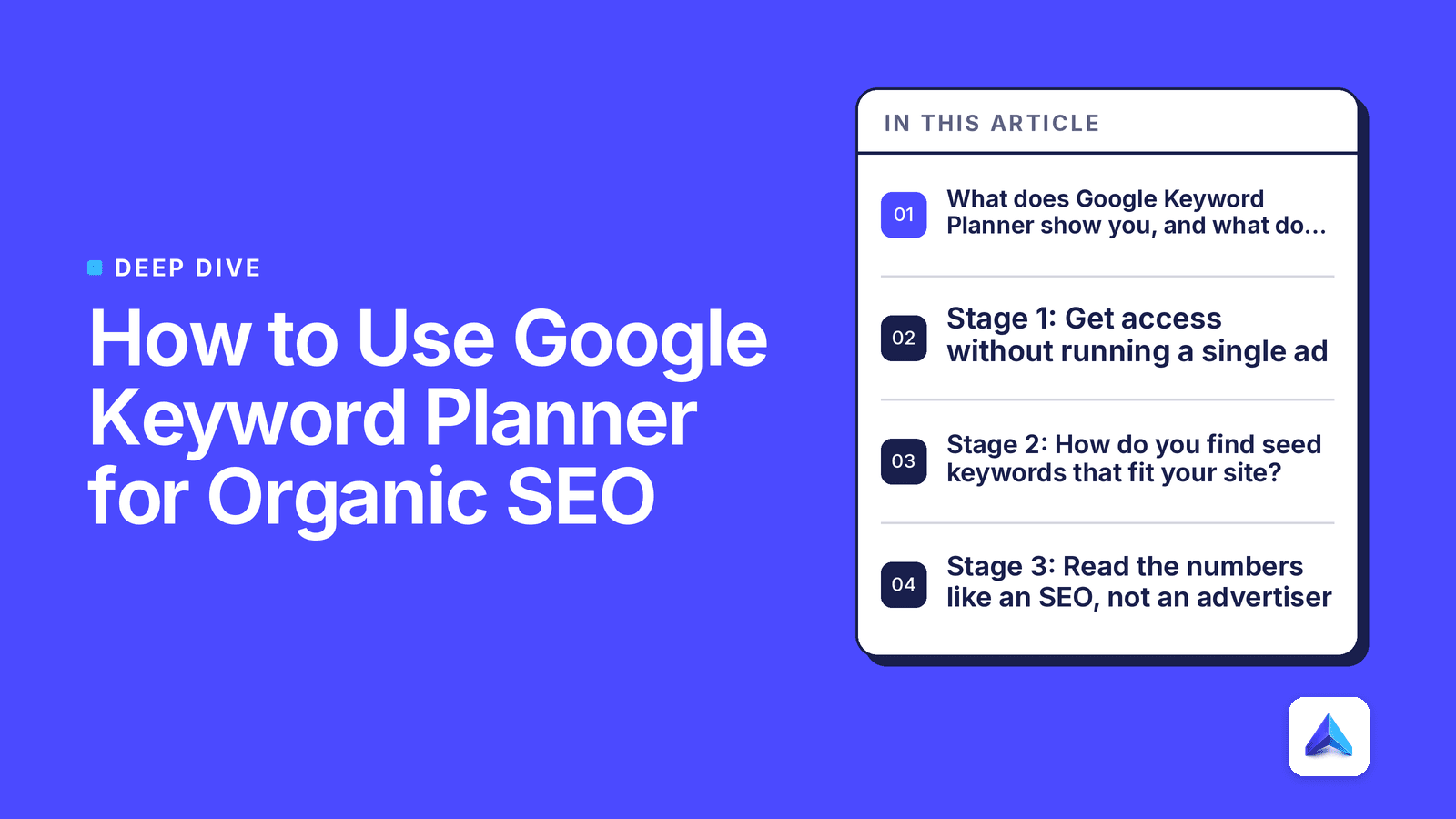
What does Google Keyword Planner show you, and what does it hide?
Google Keyword Planner shows keyword ideas, average monthly searches, three-month and year-over-year change, ad competition and top-of-page bid ranges for terms on Google Search. It does not show organic keyword difficulty, who ranks today, click-through rates, or how often a query triggers an AI Overview. Google describes it as a free resource to help advertisers build keyword lists for search campaigns (Google Business, Keyword Planner), and that origin explains every gap.
The table below maps each column to what it means for SEO, so you know which ones to trust and which ones to read sideways.
| Column | What it tells an SEO | Why it matters | Red flags |
|---|---|---|---|
| Avg. monthly searches | Rough demand for a term and its close variants | Sizes the prize before you write | Shown as a wide range on low-spend accounts; close variants are often merged |
| Three-month change | Short-term momentum | Spots rising topics early | Seasonal terms look like they are crashing or booming |
| YoY change | Long-term direction | Separates fads from steady demand | New product names have no history |
| Competition (Low/Med/High) | How many advertisers bid on the term | Hints at commercial value | It is ad competition, not ranking difficulty |
| Top of page bid (low and high range) | What advertisers pay for a click | Best proxy for buyer intent | Inflated in crowded niches like legal and finance |
Read the table as a filter, not a verdict. Volume tells you whether a topic is worth a look. Bids tell you whether it is worth a page that sells. The ranking question needs a different source, which we cover in the validation stage below.
Stage 1: Get access without running a single ad
You need a Google Ads account to open the tool, and Google's own course partners describe it as a Google Ads tool you can use to search for new keywords or get data on ones you already track (Coursera, How to Use Google Keyword Planner). You do not need a live campaign.
Follow these steps the first time:
- Sign in to Google Ads with the Google account your team already uses for Search Console, so access stays in one place.
- When the setup flow pushes you to build a campaign, switch to Expert Mode.
- Choose the option to create an account without a campaign.
- Confirm your billing country, time zone and currency. These cannot be changed later, so match them to your main market.
- Open Tools, then Planning, then Keyword Planner.
What to watch: Google sometimes asks for billing details during setup. Entering a card does not charge you unless you launch and fund a campaign, but agencies should set this up under the client's own account, not a shared one. Mixing clients in one Ads account muddles location defaults and makes handover painful.
What good looks like: one Ads account per brand, linked to the same Google login as Search Console, with no paused test campaigns cluttering the view.
Stage 2: How do you find seed keywords that fit your site?
Start with two to five plain words that describe what you sell or solve, plus your own URL, then run the same search with a top competitor's URL. Google Ads Help explains that the Discover new keywords tool accepts either words and phrases or a website, and that you can then refine results by location, language, search network and date range (Google Ads Help, Use Keyword Planner). Running both modes gives you two lists that overlap less than you'd expect.
Start with keywords
Use broad, product-level seeds, not long phrases. "Standing desk" returns far more useful ideas than "best electric standing desk for small apartments". The tool expands outward, so a narrow seed starves it.
Good seeds for different audiences:
- SaaS: the job your product does ("invoice automation", "churn analysis"), not your product name.
- E-commerce: the category and the problem ("running shoes", "flat feet shoes").
- Agencies: the client's service plus location, if the client sells locally.
Start with a website
Paste a competitor's category or blog URL rather than their home page. A home page pulls brand terms and vague ideas. A deep page pulls the exact topics that page targets, which is close to a reverse-engineered content brief.
Settings that change the output
Three settings quietly skew results:
- Location. The default is often the account's country. A UK brand with a US audience will plan for the wrong market.
- Language. Set it to match the pages you'll write.
- Search network. Keep it on Google only. Including search partners blends in data from non-Google sites.
Once the list loads, use Refine keywords to strip out brand names you don't want, and add a "keyword text contains" filter to isolate modifiers like "how", "vs" or "for". That one filter turns a 1,000-row list into a set of questions you can answer.
Stage 3: Read the numbers like an SEO, not an advertiser
The three numbers that matter are the volume range, the bid range and the trend columns, read together. A term with modest volume and a high top-of-page bid is often worth more to a brand than a term with ten times the volume and no bids. Advertisers pay for clicks that convert, so their bids are a free, market-tested signal of which searches lead to sales.
Why you see ranges
Google's help docs note that some accounts see search volume as ranges rather than exact figures. In practice, accounts with little or no ad spend get bands that can span a factor of ten. Don't fight it. For SEO you rarely need the exact figure; you need to rank terms against each other, and ranges do that well enough within the same list.
Bids as an intent score
Sort by the high end of the top-of-page bid. The top of that list is where money changes hands. For a SaaS brand, those are usually "software", "tool" and "pricing" terms. For e-commerce, they're category and "best" terms. Low or empty bids usually signal informational searches, which suit guides and FAQ content.
Competition is not difficulty
The Competition column counts advertisers, not ranking pages. A "Low" term can still have a first page owned by giant publishers. Never use this column to judge whether you can rank. That question gets answered in Stage 5.
A decision rule you can use today
We use a simple sort when a list comes back:
- High bid, buyer wording ("best", "pricing", "software", "buy"): build or improve a money page, such as a product, category or comparison page.
- Low bid, question wording ("how", "what", "why"): write a guide or answer block built to be quoted in AI answers.
- High bid, high volume, no clear angle: park it until your authority catches up, and target its long-tail variants first.
- Rising three-month change with no YoY history: a new topic. Move fast, because the first good answer often keeps the citation.
Stage 4: Turn the keyword list into a page plan
A keyword list is not a content plan. The goal of this stage is to group terms that share one search intent into one page, so you don't write five thin articles that compete with each other. Export the ideas, then cluster by meaning and intent, not by shared words.
The mapping below shows how intent signals from the tool point to a page type.
| Signal in Keyword Planner | Likely intent | Page type | What good looks like |
|---|---|---|---|
| High bid, product or category words | Transactional | Product or category page | Clear specs, price, reviews, Product schema |
| High bid, "best" or "vs" | Commercial research | Comparison or buying guide | Honest table, clear verdict per use case |
| Low bid, "how" or "what" | Informational | Guide or explainer | Direct answer in the first paragraph, FAQPage schema where fitting |
| Brand plus "pricing" or "login" | Navigational | Pricing or support page | Fast, plain, no fluff |
A worked example
Take a Shopify brand selling standing desks. Seeding with "standing desk" and a rival's category URL returns ideas such as "electric standing desk", "standing desk converter", "standing desk for small space" and "how tall should a standing desk be".
Those split cleanly. "Electric standing desk" carries a high bid and buyer wording, so it belongs on the category page. "Standing desk converter" is a different product and needs its own collection page. "Standing desk for small space" is commercial research, a buying guide. "How tall should a standing desk be" has a low bid and question wording, which makes it a short guide with a height table, the kind of passage AI Overviews quote.
Four terms, four pages, zero overlap. That is the test of a good cluster: each page has one job, and no two pages answer the same query.
If you want a deeper method for grouping by intent, our guide to keyword research in 2026 covers clustering across Keyword Planner and AI search in more depth.
Stage 5: How should you check Keyword Planner data against other sources?
Check every shortlisted term against three things before you write: your own Google Search Console data, Google Trends, and the live search results page. Keyword Planner tells you demand exists. Search Console tells you whether Google already links your site to the topic. The SERP tells you whether you can win it. Skipping any one of these is how teams end up with well-written pages nobody finds.
| Source | Question it answers | What to look for |
|---|---|---|
| Keyword Planner | Is there demand, and is it commercial? | Volume range, bid range, trend |
| Google Search Console | Does Google already show us for this? | Impressions on related queries, position 8 to 30 |
| Google Trends | Is interest seasonal or shifting? | Peaks, dips, regional splits |
| Live SERP | Can we rank, and in what format? | Who ranks, page types, AI Overview present or not |
Search Console first
Terms where you already earn impressions at positions 8 to 30 are your fastest wins. You have relevance; you lack depth or links. Our Google Search Console for SEO guide shows how to pull those near-miss queries in a few minutes.
Trends for timing
Google Trends shows relative interest over time and by region rather than raw counts. Use it to spot seasonality the three-month column can hide. A garden brand that sees "raised garden bed" rising in March should publish in January, so the page is indexed and earning links before the peak.
The SERP for the final call
Search the term in a clean browser. If the first page is all major retailers and the query triggers an AI Overview citing them, a new site will struggle. If it shows forums and thin listicles, you have an opening. Note the format too: a page of how-to videos means a text guide alone won't cut it.
Where Google Keyword Planner falls short for AEO and GEO, and what to pair it with
Google Keyword Planner measures typed searches on Google. It can't show you questions people ask ChatGPT, Perplexity or Gemini, it doesn't flag which queries trigger AI Overviews, and it gives no view of which passages answer engines cite. For a plan that targets both blue links and AI answers, treat it as a demand source and add tools that see the rest.
The blind spots
- No difficulty score. You must judge rank odds yourself from the SERP and your domain authority.
- Merged variants. Close variants share one volume figure, which hides real wording differences between queries.
- No conversational queries. Long, chatty prompts typed into AI assistants rarely show up as distinct ideas.
- No citation data. Nothing tells you which sources answer engines quote for a topic.
For the AI side, start with how answer engines pick passages. Our explainer on generative engine optimization covers how to structure pages so LLMs can cite them, and AI keyword research shows how to map passage-level intent and People Also Ask questions onto the clusters you built in Stage 4.
Scale it with the API, or with a workspace
Agencies running many clients hit the limits of manual exports fast. Google offers keyword planning through the Google Ads API, which can generate keyword ideas, pull historical metrics and produce forecasts in code (Google Ads API, Keyword planning overview). That's the right path if you have developers and want raw data in your own warehouse.
If you'd rather skip the plumbing, this is the gap Project Rankup was built to close. Its keyword research scores each chance by domain authority and business fit rather than raw volume, so a high-volume term you can't win doesn't crowd out a mid-volume term you can. The same workspace runs competitor audits, editorial planning, pre-publish checks for direct answers and schema, one-click publishing to WordPress, Shopify and Strapi, and rank tracking. Keyword Planner data feeds the top of that loop; it just isn't the whole loop.
Once pages go live, revisit them. Terms shift, AI answers change their sources, and pages decay. A quarterly content audit catches pages that slipped before the traffic drop shows up in reports.
常見問題
Does Google Keyword Planner show keyword difficulty for SEO?
No. Its Competition column counts how many advertisers bid on a term, not how hard it is to rank organically. A term marked Low can still have a first page held by large publishers. Judge difficulty by checking the live results page and comparing those sites' authority with yours.
How accurate is Keyword Planner search volume?
It is directionally reliable but not precise. Volumes are monthly averages, close variants are often grouped together, and many low-spend accounts see wide ranges instead of exact figures. Use the numbers to rank terms against each other within one list, then confirm demand with Search Console impressions.
Can I use Keyword Planner to find a competitor's keywords?
Partly. Paste a competitor's page URL into the Start with a website option and the tool suggests terms relevant to that page's content. It won't show what the competitor ranks for or how much traffic they get, so treat the output as topic ideas, not a ranking report.
Does Keyword Planner work for YouTube or Amazon keywords?
No. It reports on Google Search and, if you include them, Google's search partners. YouTube and marketplace searches follow different behaviour, so a term with strong Google demand may be weak on YouTube. Use each platform's own search suggestions to plan content for those channels.
Should I use a paid tool instead of Keyword Planner?
Use both if budget allows. Keyword Planner is the only free source of Google's own demand and bid data, which paid tools often model from it. Paid or integrated tools add difficulty scores, SERP history and competitor rankings, which the free tool lacks entirely. Ready to turn your Keyword Planner exports into pages that rank in Google and get cited in AI answers? Build your full keyword-to-publish workflow in Project Rankup and climb one cluster at a time.