"Crawled – currently not indexed" means Google fetched your page, read it, and decided not to add it to its index. It is a quality decision, not a crawl failure. In most cases the cause is the page itself: it is thin, it repeats a page you already have, or it points its canonical somewhere else. Fix what the page says and how it relates to your other pages first. Asking Google to recrawl it only helps after that.
Crawled vs. discovered: they are different problems
Search Console shows two statuses that look alike but need different fixes.
| Status | What Google has done | Usual cause | Where to start |
|---|---|---|---|
| Discovered – currently not indexed | Knows the URL exists, never fetched it | Low crawl priority, weak internal links, a slow server | Link to the page from pages that are already indexed |
| Crawled – currently not indexed | Fetched and read the page, chose not to index it | Thin or duplicate content, canonical or noindex signals | Improve or merge the page, then check its signals |
"Discovered" is about getting Google to come back. "Crawled" is about why Google decided the page was not worth a place in the index. If you have both, fix the crawled pages first, because more crawling will not help a page Google has already judged.
Triage in this order
Work through these steps for one affected URL before you touch the others. Patterns show up quickly once you have looked at five or six pages.
1. Inspect the URL
Paste the URL into the URL Inspection tool. Check three things:
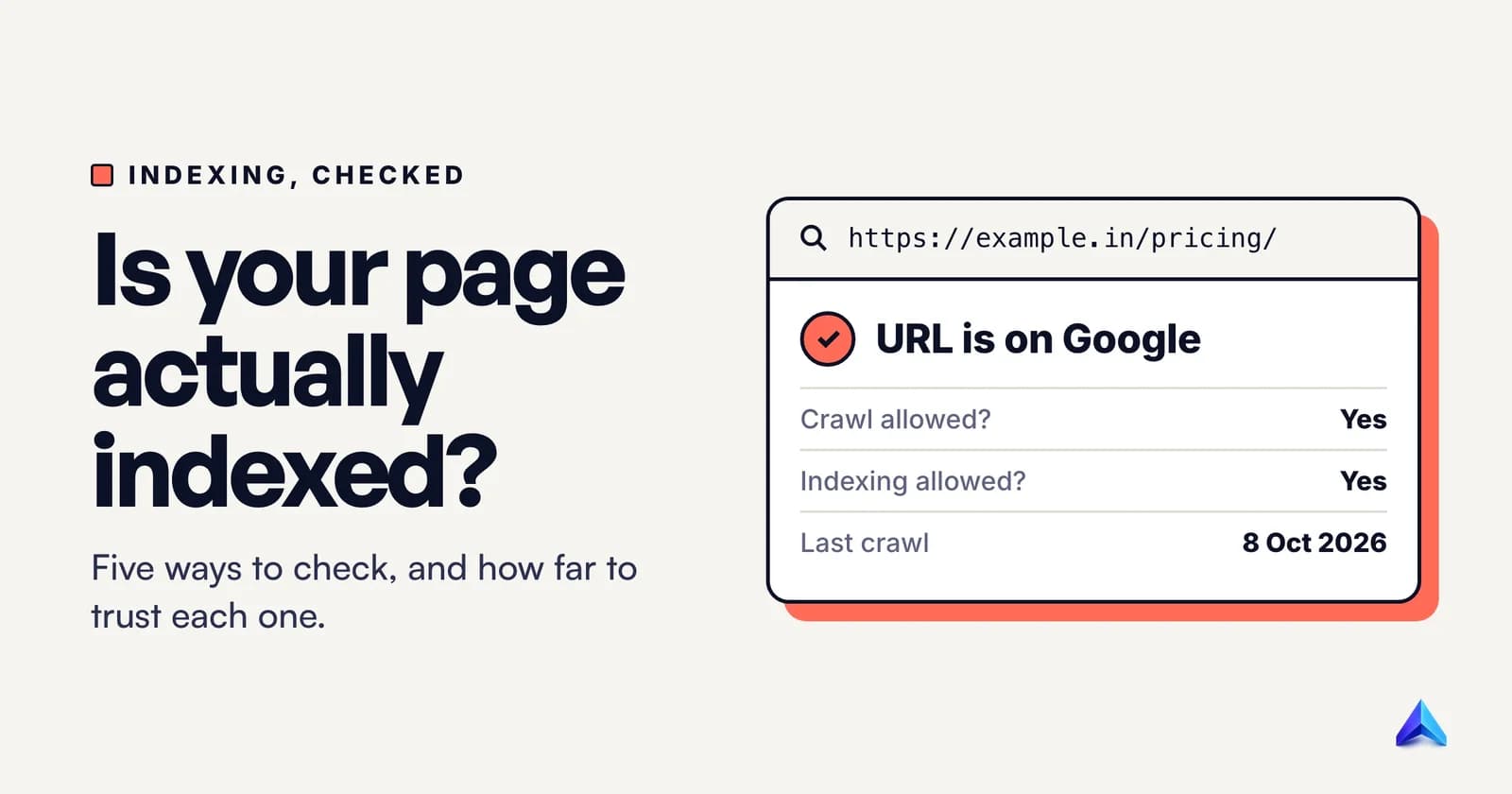
- Indexing allowed? If it says "No: noindex tag", the page is telling Google not to index it. Remove the tag if you did not mean it.
- User-declared vs. Google-selected canonical. If Google picked a different canonical URL, Google considers this page a duplicate of that one and will not index it separately.
- Rendered page. Open the rendered HTML. If your main text is missing there, Google is not reading what you think it is reading.
2. Rule out blocks you added yourself
Look for three things: a noindex meta tag or X-Robots-Tag header, a Disallow rule in robots.txt, and a canonical tag that points at another URL. Google's Page indexing report help page explains each status and whether the fix is on your side. Only the ones marked as fixable on your side are worth spending time on.
3. Compare the page with what already ranks
Search the target keyword and open the top three results. Then read your page's first 100 words and ask whether a reader gets the answer there. A long introduction that circles the topic before answering it gives Google very little to judge the page on.
Also ask what you know that those results do not. A measured number, a worked example, a step-by-step process from your own work, or a clear view on a trade-off. If the honest answer is "nothing", that is the reason. Rewording the same advice will not change it.
4. Check for duplicates
Many sites have three or four posts aimed at the same question, each with a slightly different title. Google often indexes one and skips the rest. Put the posts side by side, pick the strongest one, merge the useful parts into it, and redirect the others to it. Fewer, stronger pages usually index better than many weak ones.
5. Strengthen internal links
A page that no indexed page links to is easy to find and easy to ignore. Add links to it from two or three relevant posts, from your blog index, and make sure it is in your XML sitemap. This does not force indexing, but it tells Google the page matters to your site.
6. Then request a recrawl
Use Request indexing in URL Inspection, but only for pages you have actually changed. Google's documentation on asking for a recrawl says there is a quota for individual URL submissions, and that asking again for the same URL does not get it crawled any faster. One request after a real improvement is enough.
After a batch of fixes, open the Page indexing report and use Validate fix on the group. Google then rechecks those URLs over the following days and reports the result.
What does not work
- Resubmitting the same URL over and over. It uses your quota and changes nothing.
- The Google Indexing API for blog posts. Google's Indexing API documentation states that it can only be used for pages with
JobPostingorBroadcastEventmarkup. A standard article does not qualify. - Rewriting with more words but no new information. Google is judging whether the page adds something. Length does not answer that.
- "Guaranteed indexing" services. Nobody can guarantee that Google indexes a page. Indexing is Google's decision, and you can only make the page easier to judge favourably.
How long it takes
There is no fixed timeline. On a healthy site, a page that was improved and linked properly can be recrawled within days. A page that Google has judged as low value may stay out of the index for weeks, or stay out entirely. If the page is not important to your business, leaving it unindexed is a fine outcome.
Make a page worth indexing
Use this checklist before you request indexing:
- One clear search intent per URL, stated in the title and the first paragraph.
- A direct answer in the first 80 words, then the detail.
- At least one thing a reader cannot get from the top three results: your data, a worked example, or a decision you have made and can explain.
- A visible author and last-updated date.
- Two to four internal links into the page and two to four out to closely related posts.
- A self-referencing canonical tag, and the URL in your sitemap.
- No noindex tag, robots.txt block, or redirect loop.
For the wider picture, the Google Search Console guide for SEO covers the reports you will use here, and the technical SEO audit checklist covers the blocks that stop indexing before quality is even judged.
Frequently asked questions
What does "crawled currently not indexed" mean?
It means Google has fetched the page and chosen not to add it to the index. The page was reachable and read. Google did not judge it worth indexing at that point, which usually points to quality, duplication or a canonical signal rather than a technical error.
Is it a problem if some of my pages are crawled but not indexed?
Not always. Pages that duplicate another page, or add nothing new, are often better left out. It becomes a problem when pages you want people to find are in this state, or when a large share of your site is affected, which can signal a site-wide quality issue.
How long does Google take to index a page after I fix it?
There is no guaranteed time. Healthy sites with properly linked pages are often recrawled within days, while pages Google had judged low value can take weeks. Check the Page indexing report after your changes rather than requesting indexing again and again.
Should I use the Indexing API to get my blog posts indexed?
No. Google documents the Indexing API as usable only for job postings and livestream video pages. Using it for regular articles does not qualify, and it will not make Google judge the page any differently.
Does a sitemap fix "crawled currently not indexed"?
It helps discovery but does not decide indexing. A sitemap tells Google the URL exists and when it changed. Google still makes its own quality decision once it has read the page.
Can I fix this without a developer?
Most fixes are on the content side: merging duplicate posts, rewriting the opening, adding internal links, and removing noindex tags from your CMS settings. A developer is useful when the cause is a header, a redirect rule or a robots.txt block.