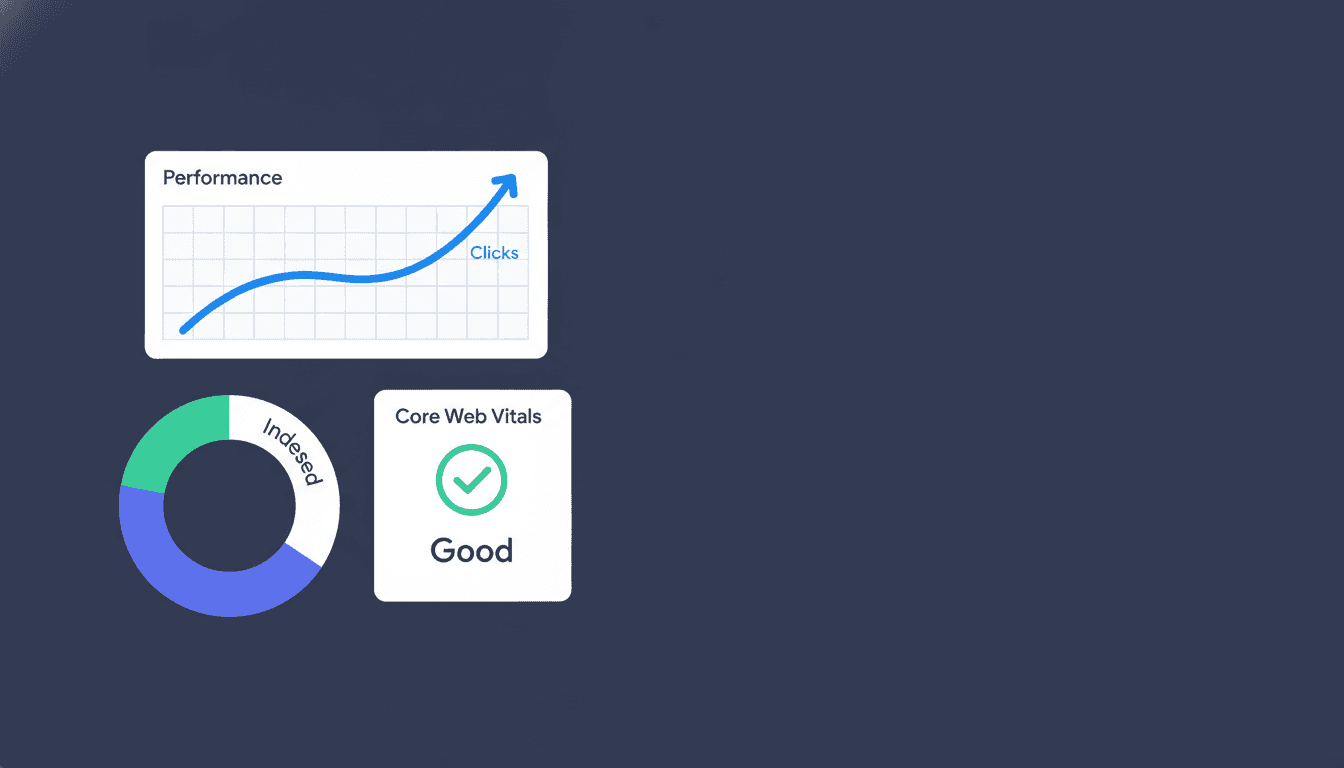
SEO tracking is the practice of measuring how well your site performs in search: keyword positions, organic traffic, click-through rates, and the technical signals that influence all of them. Done right, it tells you what's working before your competitors notice, and what's breaking before it costs you traffic. This guide walks through every layer of a solid tracking setup, from the metrics worth your attention to the weekly cadence that turns data into decisions.
Why Most SEO Tracking Falls Short
The most common mistake is treating rank tracking as a vanity exercise. A business owner checks position 7 for their target keyword, sees it move to position 5, and calls it a win. But position alone tells you almost nothing about whether more customers found you, contacted you, or bought something. Rankings are a signal, not the result.
The second failure is tracking inconsistently. Checking Google Search Console once a month, or pulling a ranking report only when a client asks, means you spot drops weeks after they happen. By then, a competitor has consolidated their gains and recovery takes twice the effort.
Effective seo tracking connects three things: visibility (where you rank), engagement (whether searchers click), and outcome (whether visits convert). Strip out any one layer and you're flying partially blind.
The Core SEO Performance Metrics Worth Monitoring
Not every metric deserves weekly attention. Here's a framework for deciding what to track and how often, based on how directly each metric connects to business outcomes.
| Metric | What It Measures | Review Cadence | Primary Source |
|---|---|---|---|
| Keyword position | Rank for target queries | Weekly | Rank tracker / GSC |
| Organic clicks | Actual search-driven visits | Weekly | Google Search Console |
| Click-through rate (CTR) | % of impressions that click | Weekly | Google Search Console |
| Organic impressions | How often pages appear in SERPs | Weekly | Google Search Console |
| Organic sessions | Traffic from search in GA4 | Weekly | Google Analytics 4 |
| Core Web Vitals | Page experience signals | Monthly | GSC / PageSpeed |
| Indexed pages | Pages Google can find and rank | Monthly | GSC Index report |
| Backlink growth | New and lost referring domains | Monthly | Ahrefs / Moz / GSC |
| Local pack appearances | Visibility in map results | Weekly | GBP Insights / tracker |
The weekly tier is your early-warning system. The monthly tier catches structural issues before they compound.
The Metric Most Brands Ignore: Impressions-to-Click Ratio
If a page earns thousands of impressions but a CTR below 2%, Google is showing it to searchers who don't find it compelling. That's not a ranking problem, it's a title and meta description problem. Fixing the copy can double organic traffic to that page without moving the rank at all. Google's Search Console Help documentation explains how impression and click data is counted, and it's worth reading once to understand the sampling logic. Google's official Search Console documentation covers impression and click metrics in detail.
How to Monitor Keyword Positions Without Drowning in Data
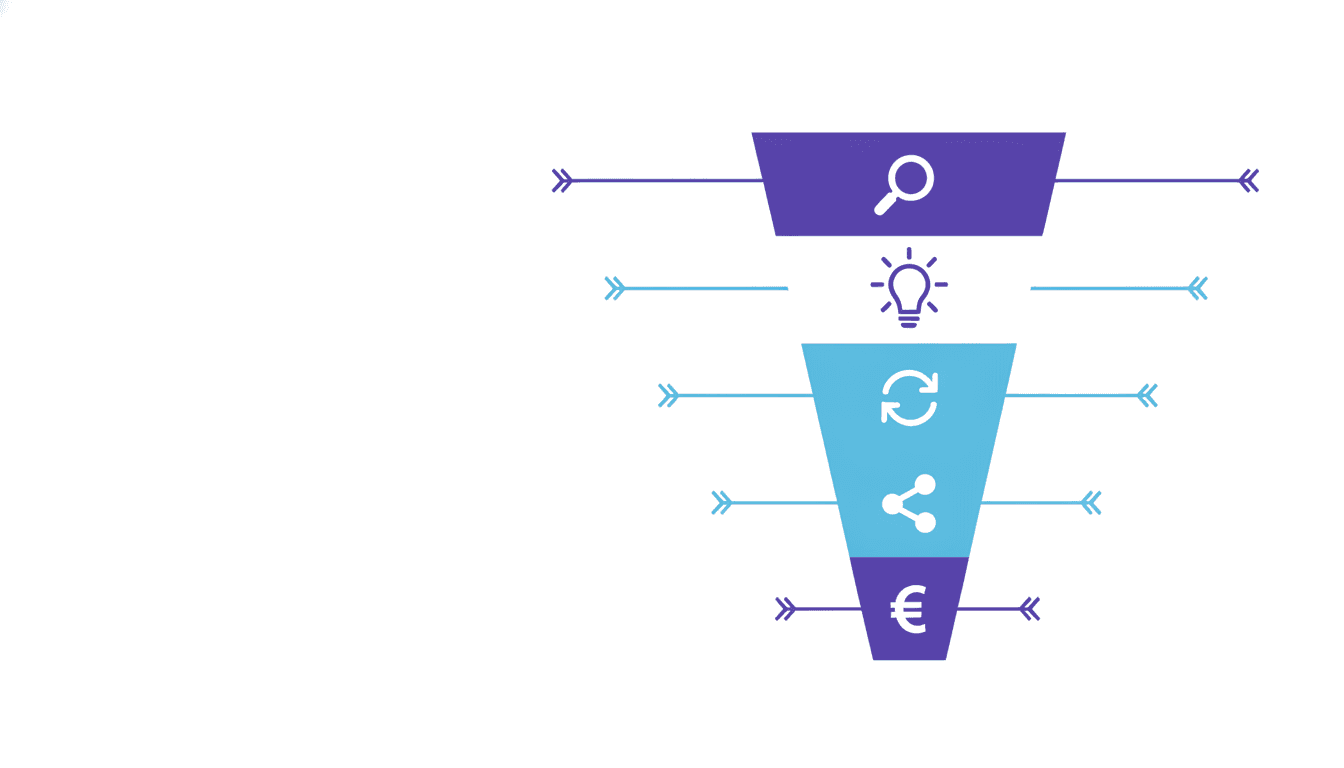
Tracking every keyword you've ever targeted is a recipe for paralysis. A more useful structure is to group keywords into tiers based on their role in your funnel, then set different alert thresholds for each tier.

Tier 1: Revenue keywords. These are the 10-20 queries most directly tied to a conversion, a demo request, a purchase, or a phone call. Track these daily or at minimum twice a week. A drop of three positions or more should trigger a review within 48 hours.
Tier 2: Awareness keywords. Topic-cluster terms that bring in broad audience volume. Track weekly. Movement here informs content investment decisions.
Tier 3: Monitoring keywords. Branded terms, competitor brand names you rank for incidentally, and long-tail queries that convert but drive low volume. Check monthly.
This tiered approach to seo keyword tracking keeps your attention on what matters. Most teams waste hours reviewing position 12 movements on keywords that drive zero clicks. Don't do that.
Setting Up Your SERP Tracking Workflow
A reliable serp tracking workflow has five steps:
- Audit your keyword list. Remove duplicates, consolidate keywords that point to the same page, and confirm each target keyword is mapped to exactly one URL.
- Configure location and device. Rankings vary significantly by city and by mobile versus desktop. Set tracking to match where your actual customers search.
- Connect your analytics. Link your rank tracker to Google Analytics 4 and Google Search Console so position data sits alongside traffic data in one view.
- Set change alerts. A good seo tracking tool will notify you when a top-tier keyword drops more than a set number of positions. Configure this before you need it.
- Schedule a fixed review block. Pick one day a week, 30 to 45 minutes, where you review changes and log what you find. Consistency beats frequency.
Organic Traffic Monitoring: Reading the Numbers Honestly
Organic traffic monitoring is where SEO meets business reality. Raw session counts are useful but incomplete. The numbers that actually tell you whether your SEO plan is working are:
- New users from organic search (are you reaching people who haven't found you before?)
- Organic sessions by landing page (which pages are earning traffic, and which have stalled?)
- Organic conversion rate (are search visitors doing anything valuable?)
- Organic revenue or goal completions (the bottom line)
In Google Analytics 4, you can filter sessions by channel group "Organic Search" and segment by landing page to see exactly which content drives visits and what those visits do. According to BrightEdge's Channel Performance research, organic search drives more than half of all trackable web traffic across most industries, which is why a drop of even 10-15% in organic sessions deserves serious attention.
One thing most guides skip: seasonality. A 20% traffic drop in January for a B2B brand might be completely normal. Pull the same date range from the prior year before concluding there's a problem. Year-over-year comparison is almost always more informative than month-over-month for organic traffic.
Automated Rank Monitoring: When to Let the Machine Watch
Manual rank checks, typing queries into Google to see where you land, are unreliable. Google personalizes results based on location, search history, and logged-in account, so what you see is not what your customer sees. Automated rank monitoring solves this by polling search results from neutral data centers at configured locations, giving you a consistent, reproducible position signal.

The case for automated tools goes beyond accuracy. At 50 keywords tracked manually, the process takes maybe 20 minutes. At 500 keywords across five locations, it becomes a full-time job. Automated tracking makes monitoring scalable without adding headcount.
When evaluating seo tracking software, these are the criteria that matter most:
- Location granularity: Can it track at city or postal-code level? Critical for local brands.
- Search engine coverage: Does it cover Google, Bing, and where relevant, local engines?
- Update frequency: Daily updates are standard. Some tools offer on-demand refreshes for urgent situations.
- Historical data: How far back does the rank history go? Longer windows are better for spotting seasonal patterns.
- Integrations: Does it connect to GA4, Search Console, and your reporting stack?
- Alert system: Can you set custom thresholds by keyword tier?
Project Rankup is built specifically around this use case, giving you automated rank monitoring alongside visibility tracking across target search engines, without the complexity of tools priced for enterprise teams.
Tracking Local SEO Rankings: A Different Beast
Local search has its own mechanics, and tracking local seo rankings needs a different setup than standard organic tracking. A business that ranks in the top three of the local pack in one neighborhood may not appear at all two miles away. This is the "local grid" problem, and it's why city-level tracking often isn't granular enough.
For local brands, the key tracking layers are:
- Local pack positions (the map results that appear above organic links)
- Google Business Profile engagement metrics: views, direction requests, calls, and website clicks from the profile
- Organic rankings for "near me" and city-modifier queries ("plumber in Austin" versus "plumber near me")
- Review velocity and average rating, which influence local pack rankings according to Google's own guidelines for how Google Search works
A practical tip: run a GBP audit once a quarter. Inconsistent NAP data (name, address, phone) across directories is one of the most common reasons local rankings stall, and it's entirely fixable once you find it.
For multi-location brands, tracking each location separately is non-negotiable. Aggregated data masks underperformers and misleads planning decisions.
Building an SEO Reporting Dashboard That's Actually Useful
An seo reporting dashboard fails when it shows everything. A page full of gauges and graphs with no hierarchy forces every viewer to do their own analysis, and most won't. The best dashboards are opinionated: they lead with the answer, then show the supporting data.
A well-structured reporting view has three layers:
Layer 1: Health indicators. Is organic traffic up or down versus the same period last year? Are top-tier keywords stable, improving, or declining? Have we lost any pages from the index? These are binary green-amber-red signals that take 60 seconds to read.
Layer 2: Movement detail. Which keywords moved significantly this week? Which pages gained or lost traffic? Which new queries are we starting to rank for? This is where you find opportunities and early warnings.
Layer 3: Context data. Backlink changes, Core Web Vitals scores, crawl error counts. These don't change fast and don't need weekly attention, but they explain the movement data when something shifts.
Connecting your seo tracking tools to a live dashboard in Looker Studio (formerly Google Data Studio) is a practical choice for most small and mid-size teams. Pull data from Search Console, GA4, and your rank tracker into a single view. Google's Looker Studio documentation covers connector setup for Search Console and Analytics, and it's genuinely straightforward once you've done it once.
For agencies, client-ready reporting is a separate concern. The dashboard you use internally for monitoring is rarely the right format for a monthly client PDF. Keep those workflows distinct.
What Good SEO Tracking Looks Like Over Time
The most underrated benefit of consistent tracking is the historical record. Brands that have 12 to 24 months of position and traffic data can answer questions that otherwise require guessing: Did that site migration hurt our rankings? Which content updates actually improved performance? Did we recover fully from that algorithm update?
According to Semrush's State of Search 2024 report, brands that maintain structured SEO measurement practices are significantly more likely to report year-over-year organic traffic growth. The tracking itself doesn't cause growth. But it creates the feedback loop that makes improvement systematic rather than accidental.
The realistic timeline for seeing meaningful rank movement after on-page changes is 4-12 weeks, depending on how often Google crawls your site. Tracking weekly within that window lets you confirm whether a change is having the intended effect before committing the same approach to 50 more pages.
Building a culture of SEO accountability inside a team or client relationship starts with shared data. When everyone can see the same dashboard, discussions shift from "I think we're improving" to "here's what moved and here's why."
If you're ready to stop guessing and start seeing exactly where you rank, create a Project Rankup account to set up automated rank and visibility tracking across all your target search engines in minutes.
Frequently asked questions
What is rank tracking in seo?
Rank tracking in SEO is the process of monitoring where specific web pages appear in search engine results for target keywords. It captures position changes over time, across devices and locations, so you can measure whether your optimization efforts are moving the needle and catch drops before they affect traffic.
What is seo rank tracking and how is it different from general analytics?
SEO rank tracking focuses specifically on keyword position data pulled from search results pages, while general analytics tools like Google Analytics measure what happens after a visitor arrives on your site. Both are needed: rank tracking tells you about visibility, analytics tells you about behavior. Together they give you a full picture of organic search performance.
How does rank tracking contribute to seo success?
Rank tracking creates a feedback loop between effort and outcome. Without it, you can spend months optimizing pages without knowing whether they're moving up, down, or nowhere. With consistent tracking, you can confirm which changes improve positions, spot algorithm-related drops early, and prioritize the keywords and pages where investment has the clearest return.
What is the best seo tracking tool?
The best seo tracking tool depends on your scale and use case. For small brands and agencies tracking hundreds to thousands of keywords with a need for clean reporting, Project Rankup offers automated rank monitoring with multi-engine coverage. Ahrefs and Semrush are strong for teams that also need deep backlink and competitive analysis built into the same platform.
How often should I check my keyword rankings?
Top-tier revenue keywords warrant weekly checks at minimum, with alerts configured for significant position drops. Broader awareness keywords can be reviewed weekly as part of a routine check. Technical and structural data like indexation, Core Web Vitals, and backlink changes are worth a thorough monthly review. Daily manual checking for most keywords wastes time and doesn't reveal meaningful patterns.
Can I track local SEO rankings differently from standard organic rankings?
Yes, and you should. Local pack positions are location-specific and can vary significantly within a few miles. Standard organic rank trackers use city-level targeting at best, which can miss hyper-local variation. For local brands, layer in Google Business Profile insights, track city-modifier and "near me" queries separately, and consider a tool that supports grid-based local tracking for more granular visibility.
What should an SEO reporting dashboard include?
A useful dashboard leads with health indicators: organic traffic trend versus last year, top-keyword position stability, and indexation status. The second layer shows which specific keywords and pages moved that week. The third layer provides context, backlinks, Core Web Vitals, and crawl errors, reviewed monthly. Putting everything on one screen without hierarchy produces reports nobody reads.
Key Takeaways
- SEO tracking connects visibility, engagement, and outcomes. Rankings alone are not enough.
- Tier your keywords by revenue impact and set different monitoring cadences for each tier.
- Organic traffic monitoring requires year-over-year comparison to filter out normal seasonality.
- Automated rank monitoring eliminates the inaccuracy of manual checks and scales without extra effort.
- Local SEO needs separate tracking: local pack positions, GBP metrics, and city-level keyword data.
- A reporting dashboard should be opinionated, leading with health signals before showing detail.
- Consistent historical data is what makes SEO decisions strategic rather than reactive.